
Wi-Fi
Network and password, right at hand.
One QR in every room connects your guests to the comfort of your hotel. Wi-Fi, food, fresh towels and a friendly reply. All without installing an app.
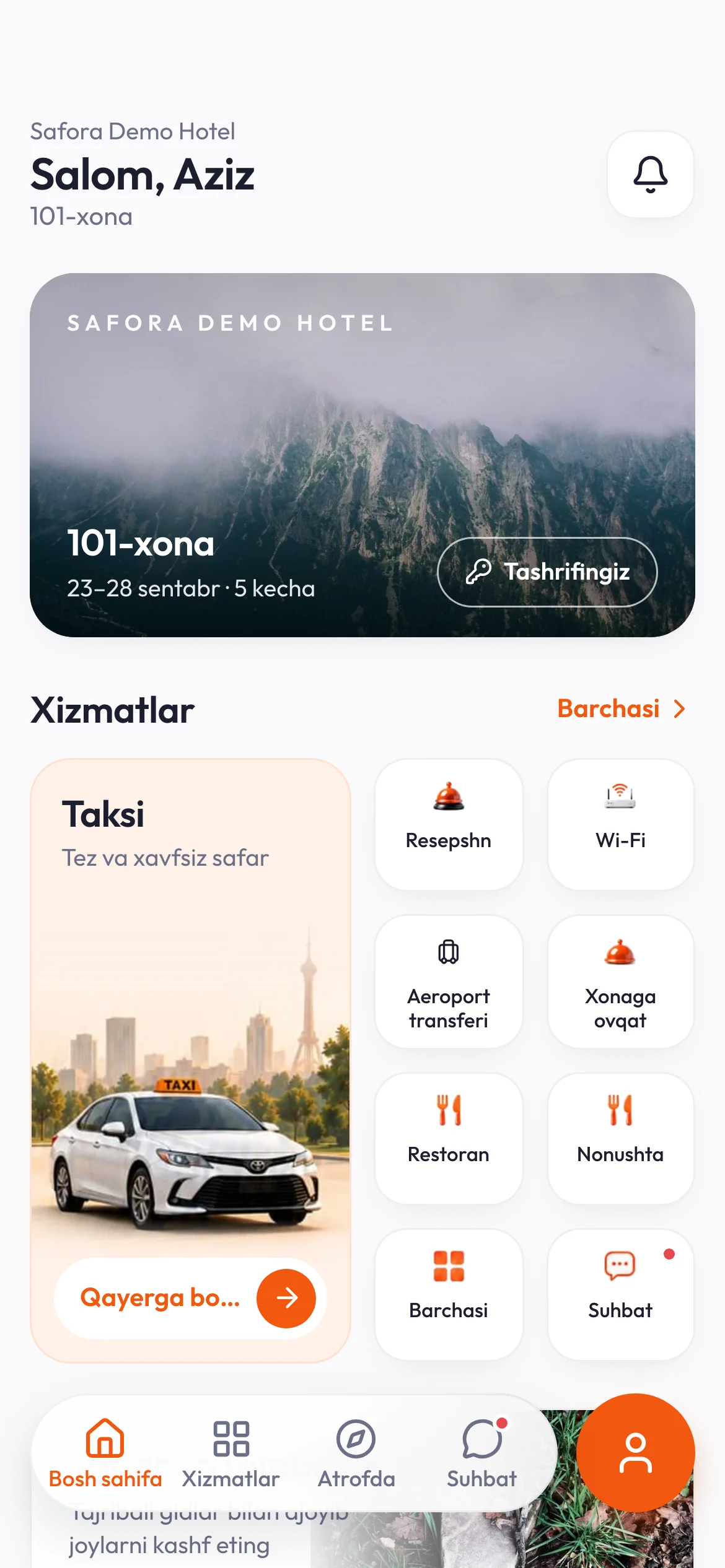
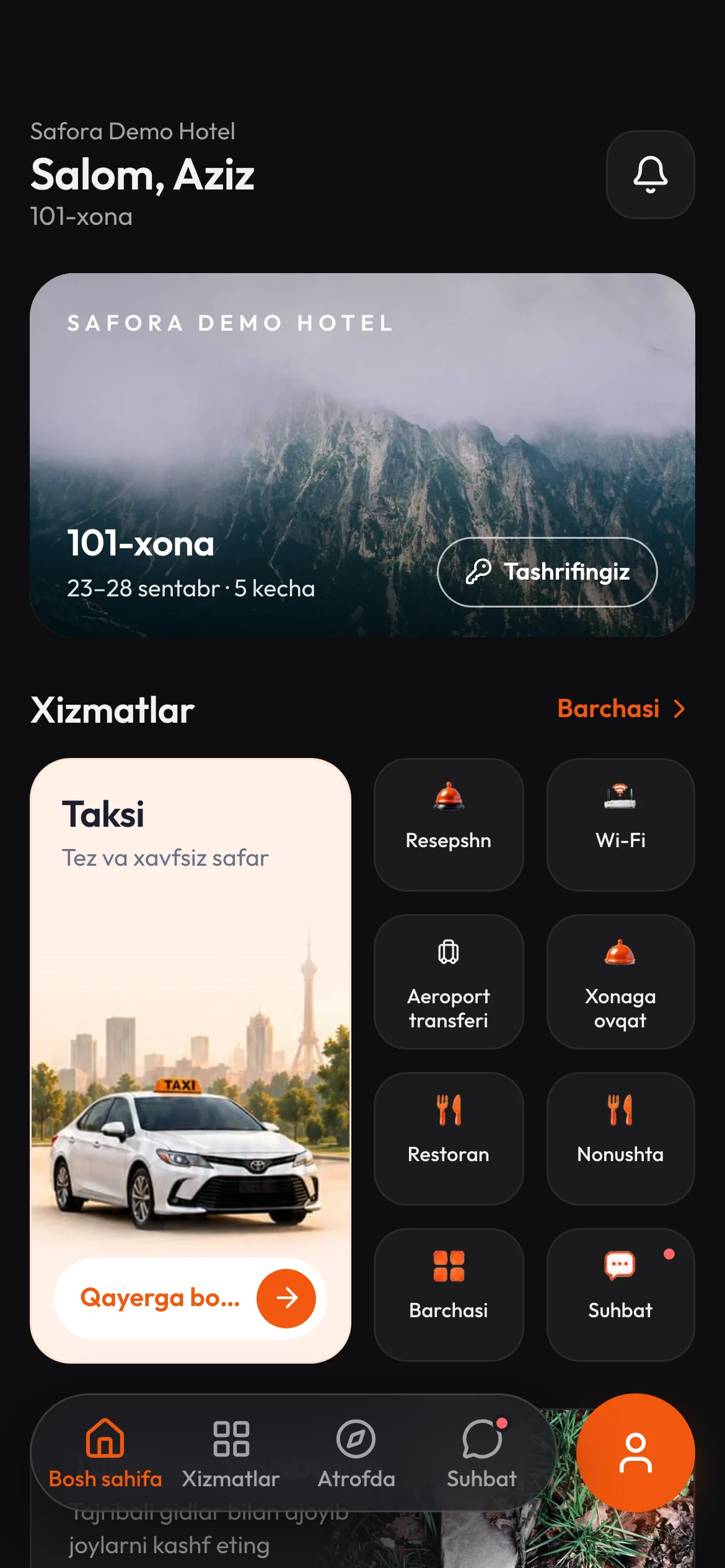

Your stay, one scan away.
scan.safora.uzThe room QR opens the guest page.
Everything your hotel has to offer.
The request reaches your reception team.
You choose the services. Your guest sees only what is available at your hotel.
Network and password, right at hand.
A menu, a choice, an order to the kitchen.
Menus, prices and opening hours.
A ride from the hotel to the next stop.
Fresh towels or a clean room, on request.
A question from the room. A reply from the team.
Treatments, opening hours and useful details.
Add what makes a stay at your hotel special.
Choose a service below, send a sample request and move it across the reception board.
Please bring them to room 101
Interactive example. No request is sent to a hotel.
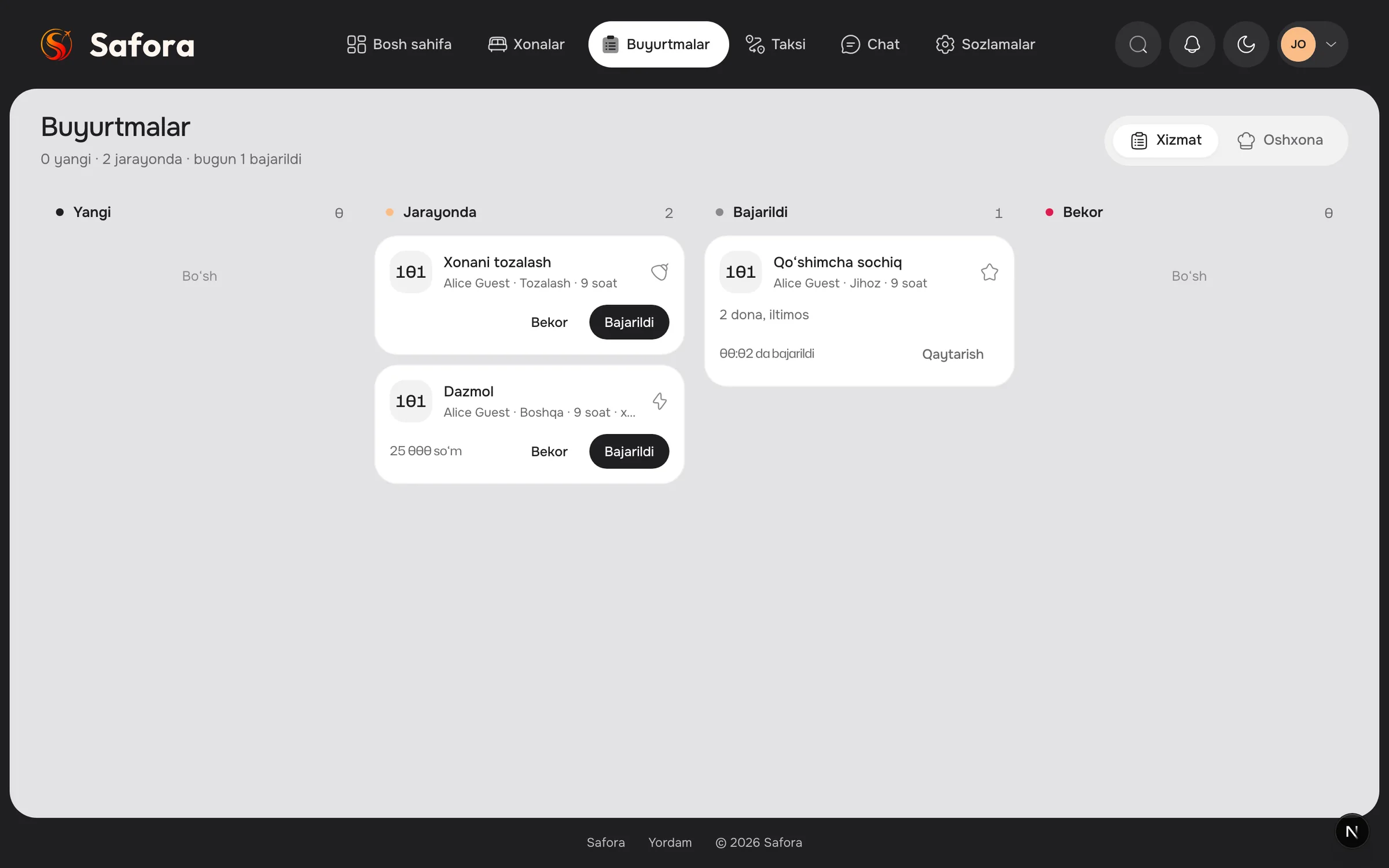
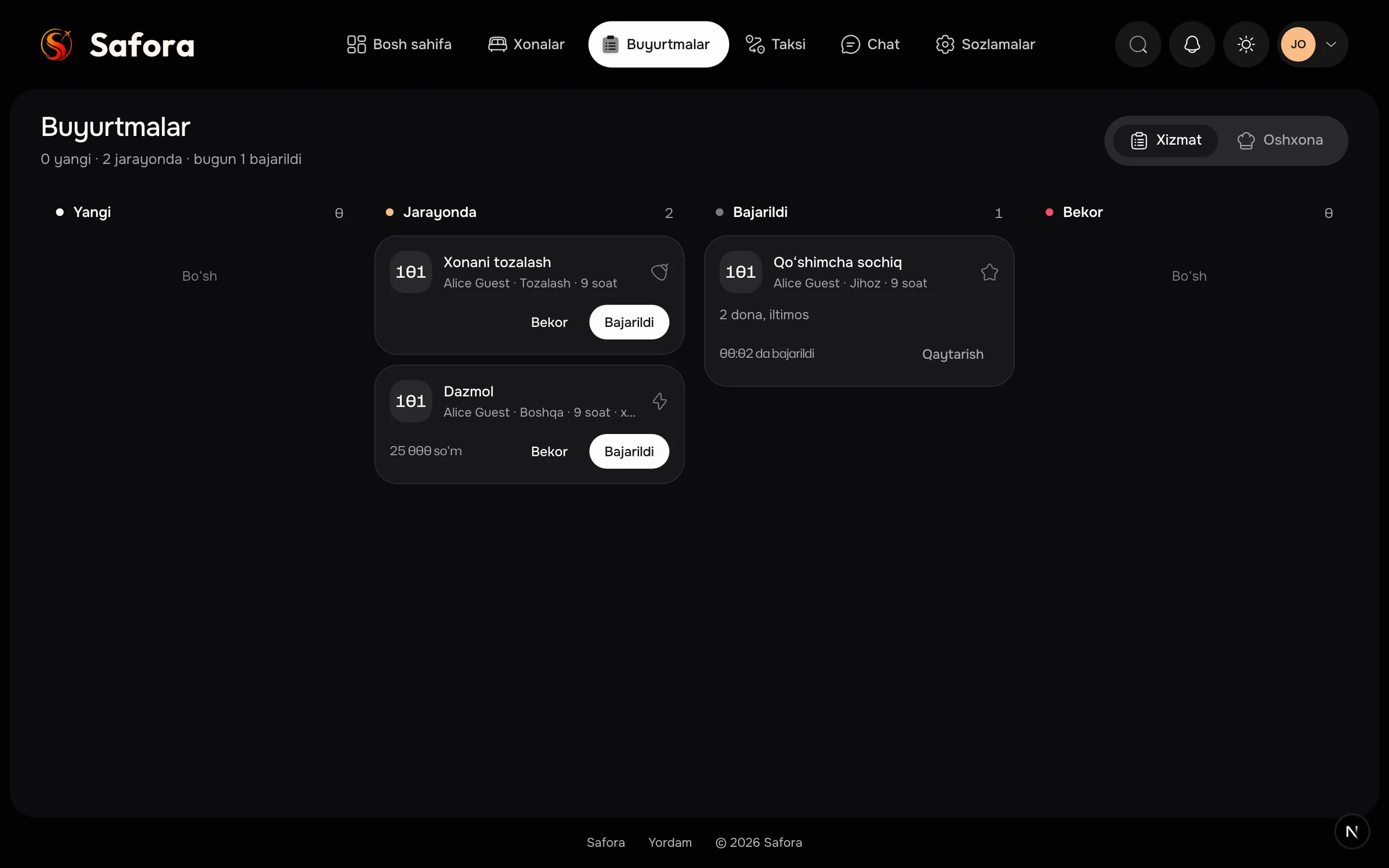
Services, kitchen orders and guest chat come together in the reception workspace. Your team can see what is new, what is in progress and what has been completed.
Start with your room list, a printer and the services you want to offer.
SaforaSaforaSaforaSaforaSaforaSaforaA separate code for each room. Six room cards fit on one A4 sheet.
Add your network, menus and service details. Enable the things your guests can use.
Ready for your guest
Place the card in the room. Your team receives and manages requests from its workspace.
Use Safora QR on its own, or add it to your hotel management plan.
Only the QR service. No hotel management subscription required.
Choose QR onlyAdd QR to your Safora subscription. Your base plan is billed separately.
Calculate your planNeed TV instead? Safora TV follows the same pricing: $15–30/month on its own, or +$20/month with a Safora plan.
No. Scanning the room QR opens the guest page in the phone’s browser.
Yes. Enable the services you offer and fill in their details. Guests see your available service list.
They appear in your reception workspace with the room and request status. Guest chat is available there too.
Uzbek, Russian and English.
Let us show you how it would work at your hotel.
Let’s talk about your hotel